Creating Satisfying Feedback Loops in Casual Games
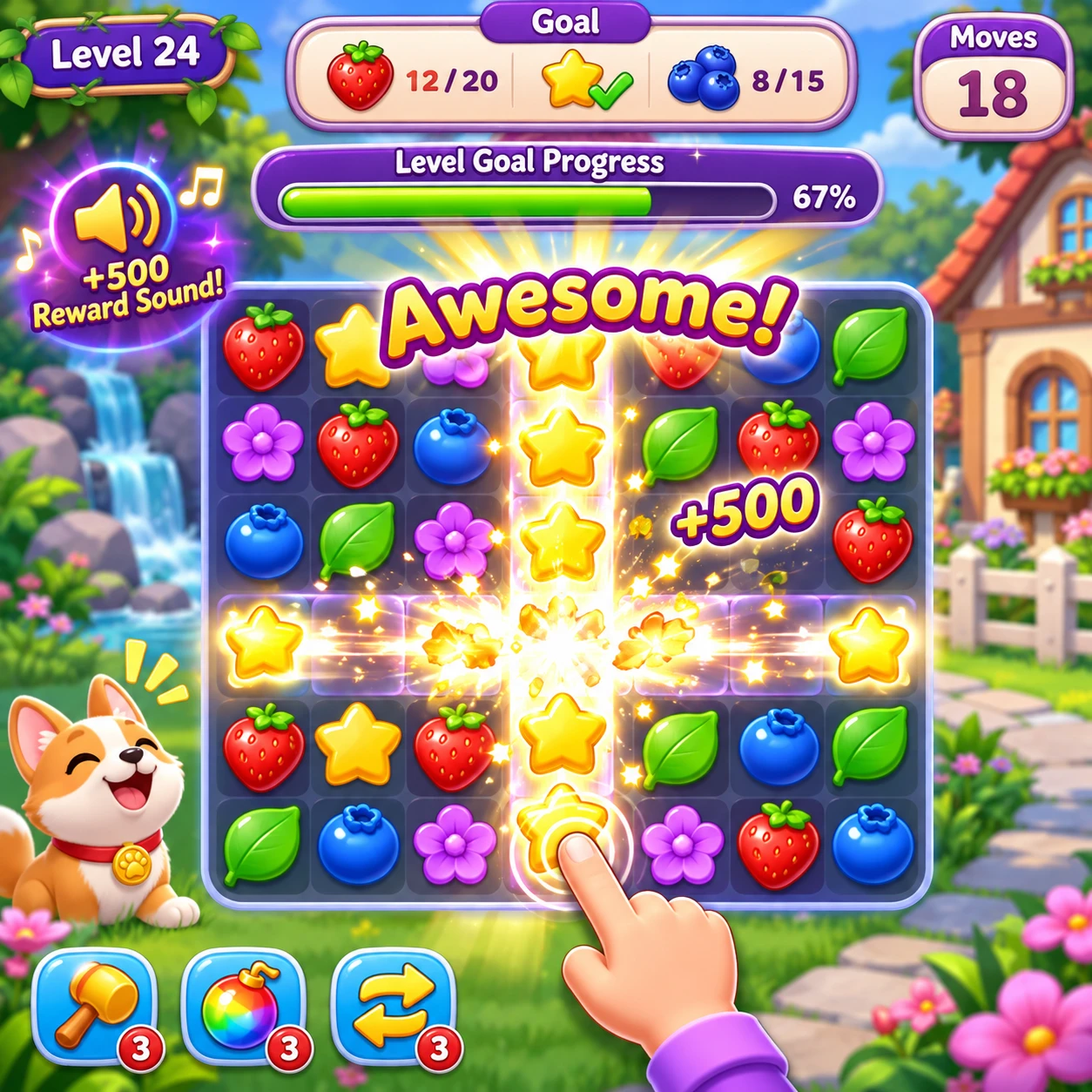
A satisfying feedback loop gives players a clear response to what they do, then a reason to take another action. In casual games, the cycle should feel quick to understand and rewarding without relying on constant noise, prizes, or pressure to keep playing.
Good feedback connects the smallest interaction, such as matching tiles or tapping a target, to the larger experience: game feel, challenge, and progression. The design challenge is to make each response legible and enjoyable while leaving room for rewards to matter.
What makes a feedback loop satisfying?
A satisfying feedback loop connects a player action to a clear response and a motivating next step. The player understands what happened, feels its impact, and can decide what to do next.
Think of the loop as action, confirmation, consequence. A player swaps two pieces; the game confirms the match with an animation and sound; the pieces disappear and the score or objective changes. If any link is missing, the interaction can feel arbitrary. If the confirmation is delayed, players may not know whether the input registered.
Feedback operates at more than one timescale. Immediate feedback answers, “Did that move work?” Longer-term feedback answers, “Am I getting somewhere?” A strong casual game lets these layers support each other. A small win should feel good now and, where appropriate, contribute to a level goal, collection, or unlock.
Rewards alone cannot rescue an uninteresting core action. A loop works best when the basic play already has a readable rhythm and satisfying game feel; rewards then add context and momentum rather than covering up weak interactions.
Make player actions feel clear and responsive
Player actions feel responsive when controls register promptly and visual and audio cues show their consequences. Clear feedback helps players distinguish a successful move, an invalid input, and an action that is still resolving.
Start with the control itself. A tap, drag, or swipe should produce a timely response, even if the full result takes longer to play out. For example, a tile can shift as soon as a drag begins, then settle into place when the player releases it. That small acknowledgement makes the game feel connected to the player’s hand.
Use a cue hierarchy so the most important event gets the most attention:
- Input confirmation: a button depresses, a piece follows a drag, or a target highlights.
- Action result: a match clears, a target reacts, or an invalid move returns gently to its original state.
- Progress cue: a goal counter updates or a meter advances after the action resolves.
Animation, sound, particles, and screen movement can reinforce one another, but each cue should earn its place. A bright burst may suit a major combo; using the same burst for every ordinary match can make important moments harder to notice. Also consider players who mute sound or need reduced visual motion: the essential result should remain understandable without any single effect.
Balance instant rewards with lasting progress
Balance instant rewards with lasting progress by making small wins satisfying on their own and connecting some of them to a larger, visible goal. Immediate feedback sustains the moment; progression gives repeated actions direction.
A match can deliver an immediate reward through a crisp animation, a score increase, or a brief celebratory sound. At the same time, it might advance a level objective, fill a collection page, or move the player closer to an unlock. The connection should be clear: if a player collects a blue token, show how that token affects the relevant goal instead of making progress feel hidden or unrelated.
Keep the reward system proportional to the action. If every small action triggers a large celebration, the game has little room to build excitement for a genuinely important milestone. Reserve stronger visual and audio cues for meaningful changes, such as completing an objective or reaching a new stage.
Progression also needs honest pacing. A goal should be achievable enough to feel within reach, but not so automatic that it becomes background decoration. If a collection takes several sessions, show partial progress and explain what remains. Avoid implying that a player is close to an unlock when the remaining requirement is substantial.
Tune reward timing and session pacing
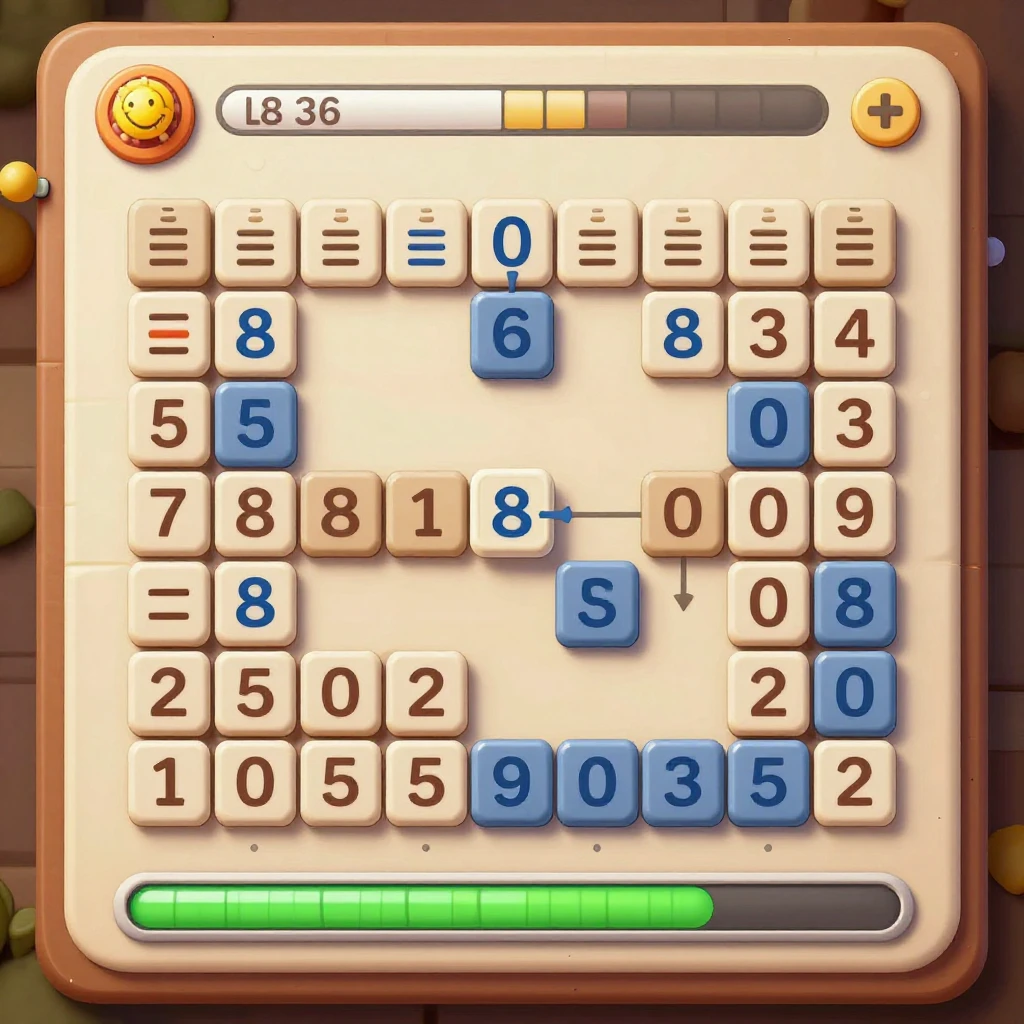
Reward timing works when players receive enough confirmation to stay oriented, while larger rewards arrive at moments that preserve anticipation. In casual games, this balance matters because a session may last only a few minutes.
Consider rewards across three scales: the response to an individual move, the payoff for a short sequence, and the result of finishing a level or task. The first should be fast and consistent; the second can build through combos or a streak; the third should feel like a clear conclusion. These layers create rhythm without making every action equally loud.
To tune that rhythm, map a typical session from its opening move to its end. Mark when players learn a mechanic, encounter a setback, make progress, and receive a meaningful result. Then ask whether the reward comes before the player understands what they earned, or so long afterward that the connection gets lost.
- Give new mechanics immediate confirmation so players can learn by trying.
- Use short sequences of escalating cues to make a combo feel earned.
- Let level completion provide a distinct payoff, then offer a clear next step or stopping point.
More frequent rewards are not always better. They can make a brief session feel busy, but too many interruptions fragment play and flatten the difference between routine progress and achievement. A useful test is whether a player can name the most meaningful event from a session afterward.
Match feedback to challenge and player skill
Feedback should match the difficulty curve by showing players whether they succeeded, why they struggled, and what options remain. Clear cues make challenge understandable without removing the need to think.
When a player succeeds, show the result and its contribution to the objective. When a move fails, explain the consequence through the game state: a target remains, a limited move is spent, or an obstacle blocks the route. Avoid vague failure signals that only flash red or play a negative sound. They communicate disapproval, not useful information.
The next step should be visible without being forced. A hint can highlight a possible move after a pause, while still leaving the choice to the player. For experienced players, repeated tutorial prompts may become irritating; for newcomers, an unexplained mechanic can turn a fair challenge into a confusing one. Feedback intensity should follow what the player needs, not simply increase with every mistake.
Difficulty and feedback work together. If a level introduces a new obstacle, use a clear first encounter to show how it behaves. Later, combine it with other mechanics to raise the challenge. This gives players a fair chance to learn before the difficulty curve demands mastery.
Test, refine, and avoid feedback fatigue
Test feedback with real players and refine it based on what they notice, understand, and remember. The goal is not to maximize effects; it is to make important actions and outcomes easy to read.
Watch a few people play without explaining the interface. Note where they hesitate, repeat an input, miss a progress update, or ask what caused a result. After a session, ask them to describe a successful move and a setback. Their answers reveal whether the feedback communicated cause and effect, not merely whether they liked the sound or animation.
Three common mistakes are especially easy to miss:
- Using the same celebration for every event. Designers want consistency, but identical effects make milestones blend into routine actions. Keep a shared style while varying the scale or duration of cues by importance.
- Adding more cues when players are confused. Extra particles and sounds may increase visual noise without explaining the mechanic. Clarify the outcome or objective first; add an effect only if it carries useful information.
- Making every action feel like a major reward. Frequent celebrations can initially feel generous, then become repetitive. Preserve contrast by letting ordinary actions stay light and saving stronger feedback for meaningful progress.
Change one part of the loop at a time when possible. If you adjust sound, animation, and reward timing together, it becomes difficult to tell which change helped. A short playtest can reveal obvious friction, while repeated sessions help uncover fatigue and pacing problems that appear only after the novelty fades.
Frequently asked questions
What is a feedback loop in a casual game?
A feedback loop is the cycle in which a player takes an action, the game communicates the result, and that result informs the player’s next choice. For example, a match clears, the score changes, and the updated board suggests another move.
How often should a casual game reward players?
There is no fixed interval that suits every game. Provide immediate confirmation for actions, then pace larger rewards around meaningful sequences, objectives, and session endings. Test whether rewards feel connected to effort rather than automatic.
What makes feedback feel meaningful rather than repetitive?
Meaningful feedback explains an outcome and distinguishes routine actions from important progress. Vary the emphasis of visual and audio cues according to the event, while keeping basic controls consistent.
How can feedback help players understand failure?
Show what happened and what remains possible. Make lost moves, blocked paths, or unfinished goals visible, then offer an optional hint when it fits the game. Clear failure feedback turns a setback into information for the next attempt.